NewLaravel and ASP.NET Core available · Java, Node.js, Go planned

Admin panels and access control for every stack

Users, roles, URL permissions, a role-aware menu and an operation log, managed at runtime from one panel. Free and open source, with the same access model in every language.

composer require super-admin-org/super-admin
localhost/admin
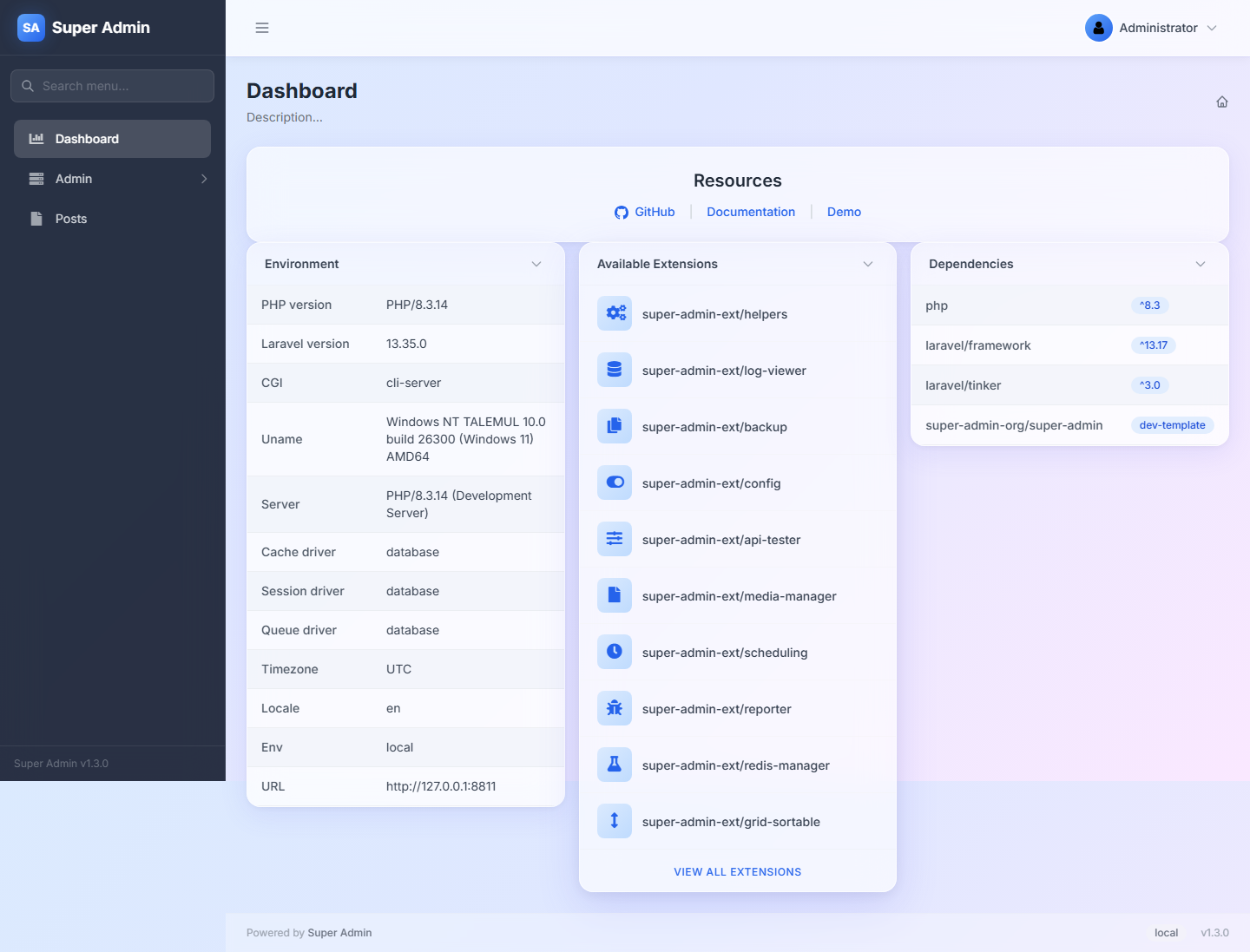
Super Admin dashboard (Laravel)
2
stacks available
3
stacks planned
0
redeploys to change access
MIT
licence, no paid edition

Packages

Choose your stack

Laravel

PHP · Laravel 8–13
v1.3.0

Full admin panel builder: grids, forms, detail pages, trees, widgets, RBAC, menu and operation log, generated from Eloquent models.

  • Model Grid, Form, Show, Tree
  • 60+ form field types
  • Tailwind and Bootstrap 5 templates
  • Users, roles, permissions, menu
composer require super-admin-org/super-admin

ASP.NET Core

C# · .NET 10
v0.2.3

Role-based login, URL-based permissions and a role-aware menu for MVC, Razor Pages, Minimal APIs and Blazor Server, managed from a built-in panel.

  • URL rules managed at runtime
  • Blazor Server support
  • SQL Server, PostgreSQL, MySQL, Oracle, SQLite
  • Route discovery and operation log
dotnet add package SuperAdmin.Rbac

Java

Spring Boot
Coming soon

Node.js

JavaScript / TypeScript
Coming soon

Go

Go
Coming soon

Shared concepts

The same model in every stack

Users and roles

A separate admin user table, roles that group permissions, and super administrator roles that bypass every check.

Route permissions

Permissions carry HTTP methods and URL patterns. Change who can open what at runtime, without a redeploy.

Role-aware menu

A database menu tree edited in the panel. Each user sees only the items their roles allow.

Operation log

An audit trail of what each administrator did, with passwords and secrets filtered out.

One panel look

The same sidebar, header and admin URLs (/admin/auth/users, ...) in every stack, so teams can move between them.

Free and open

MIT licensed. No pro edition, no paid add-ons.

How it works

From install to a working panel in three steps

  1. 1

    Install the package

    One Composer or NuGet command. The installer creates the admin tables and the first administrator.

  2. 2

    Your pages are protected

    Everything under /admin needs a login and a matching permission. Super administrators pass every check.

  3. 3

    Manage access in the panel

    Create roles, give them URL permissions and build the menu. Changes apply on the next request.

Ready to build your admin panel?

Pick your stack and follow the quick start. It takes about ten minutes.